UI Overview
User Interface Overview
1. Workspaces
SPECTROview is meticulously designed to streamline the processing of spectroscopic data and the visualization of fitted results. The interface is built around three primary workspaces, each tailored for a specific workflow:
Spectra: Dedicated to processing individual or multiple discrete spectra.Maps: Optimized for handling hyperspectral datasets, including extensive wafer data and 2D maps.Graphs: Designed for robust statistical plotting and comprehensive data visualization.
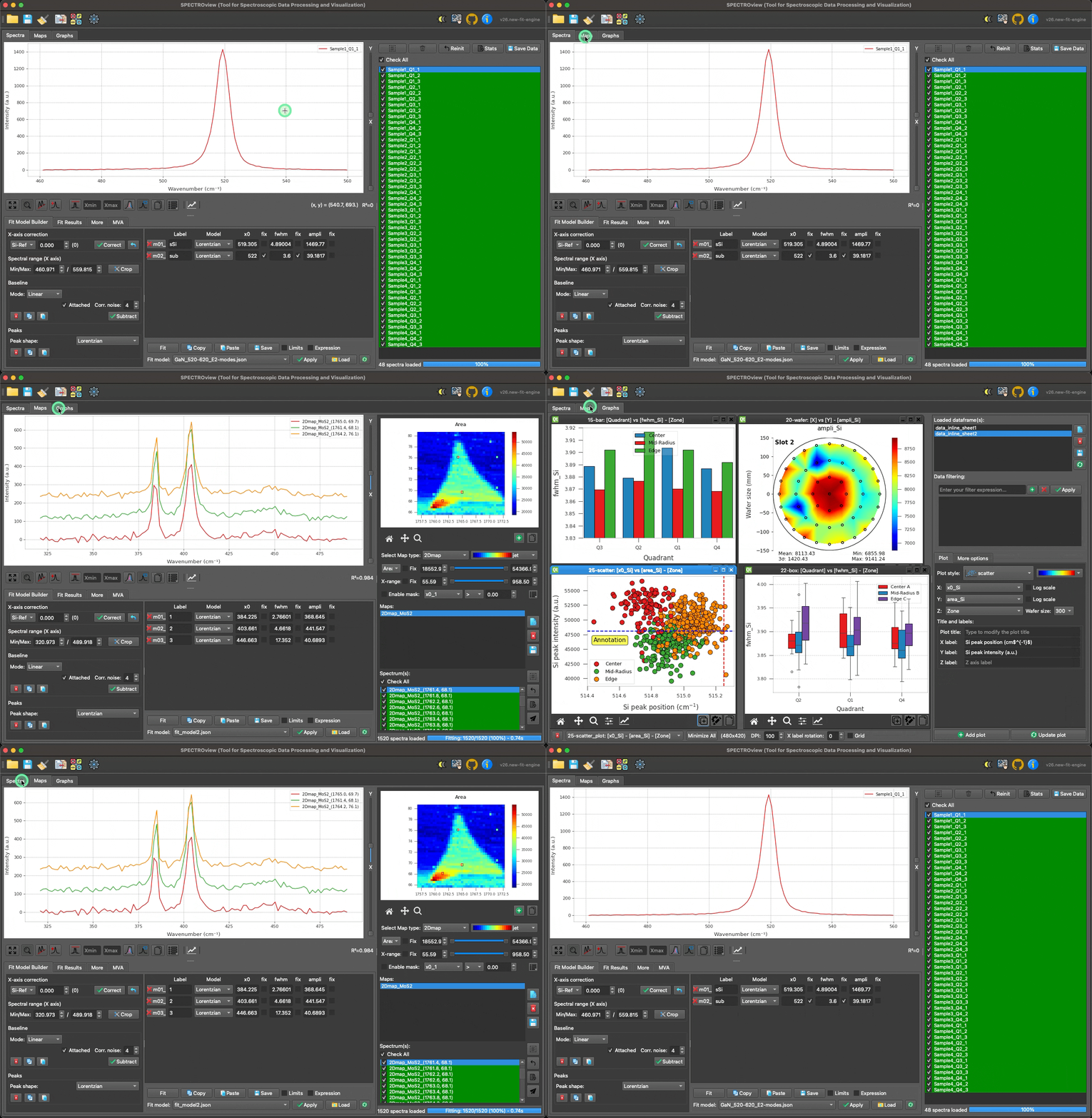
Navigating between the three primary workspaces.
2. Tooltips
Most GUI elements in SPECTROview (e.g., buttons, text boxes, dropdowns) include built-in tooltips. Simply hover your mouse cursor over an element for a moment to view a brief explanation of its function.
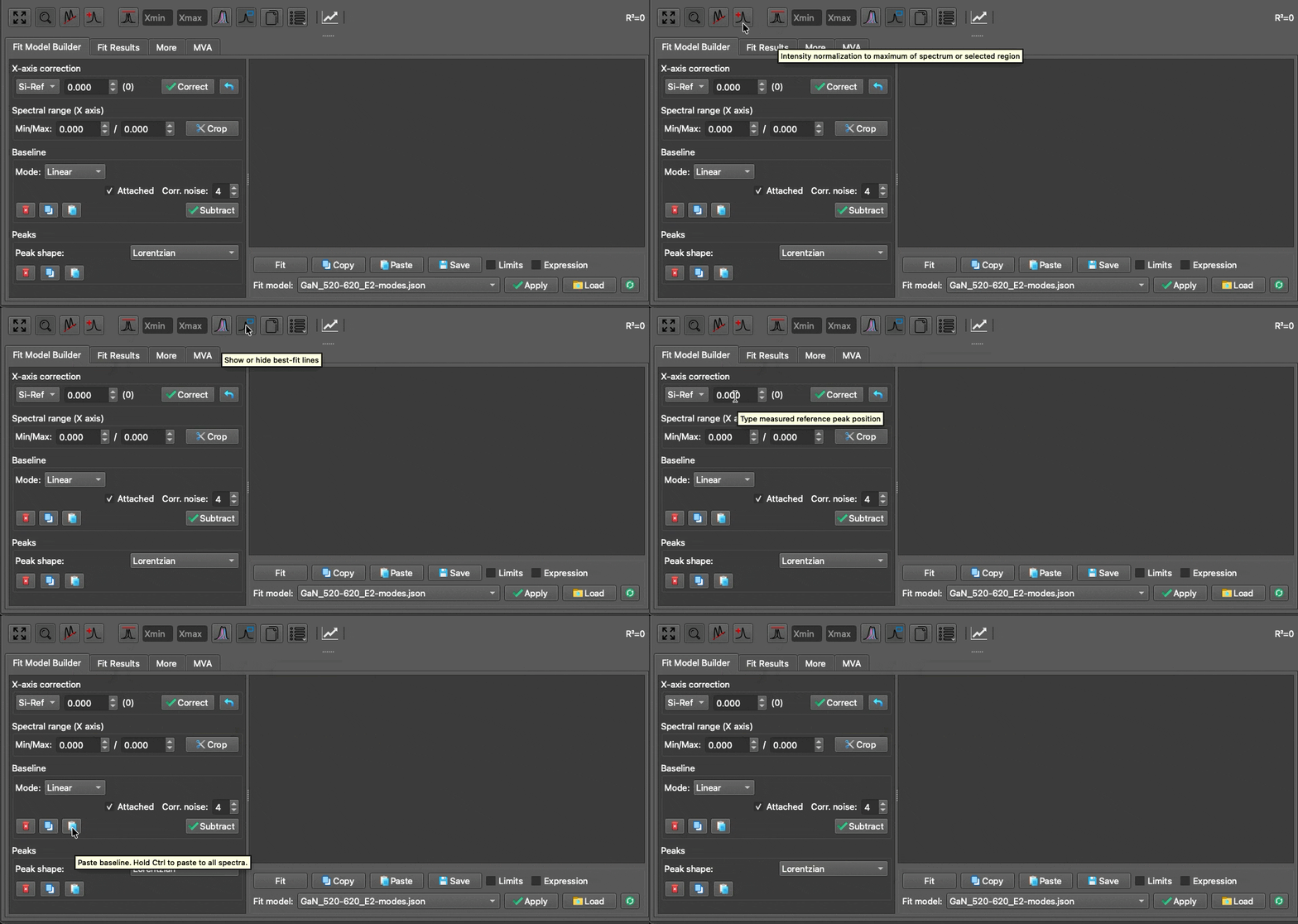
Demonstration of interactive tooltips.